
Competitor Analysis Template: 10 Options for 2026

A Prescott service owner searches for a plumber, dentist, or landscaper and sees three competitors above their business in Google's Map Pack. The owner wants to know what those businesses are doing differently and what to improve first. Silva Marketing, a Prescott-based digital marketing agency, helps local service businesses in Prescott and nearby communities understand their competition.
Most competitor analysis templates are built for software companies, not local businesses that win customers through service-area coverage, reviews, and phone calls. A useful local template compares those details alongside offers, service pages, citations, and the path from search result to booked appointment. It also separates what you can observe from what you're inferring.
This guide compares ten template options, explains who each one suits, and shows how to adapt it for local search. Start with a basic overview of how to turn your content library into revenue, then choose a format your team will keep current.
Table of Contents
1. HubSpot Competitive Analysis Template - Where it helps, and where it stops
2. Smartsheet Free Competitive Analysis Templates - Best for shared spreadsheet reviews
3. Notion Competitor Analysis Templates - A flexible research hub, not a reporting tool
4. Airtable Competitive Analysis Template - The middle ground has a setup cost
5. Miro Competitive Analysis Template - Strong for workshops, weaker for ongoing records
6. FigJam Competitor Analysis Template - Good for a website teardown, not a tracking database
7. ClickUp Competitive Analysis Template - Best when work already lives in ClickUp
9. Canva Competitor Analysis in Canva Docs - Presentation layer, not research engine
1. HubSpot Competitive Analysis Template
If your team needs a straightforward starting point, HubSpot's Competitive Analysis Template offers a familiar fill-in-the-blanks structure. It's available in Excel, Word, Google Sheets, Google Docs, and PDF, so you can work in the tools you already use. Its competitive matrix prompts you to compare features, pricing, and positioning without asking you to adopt a new platform.
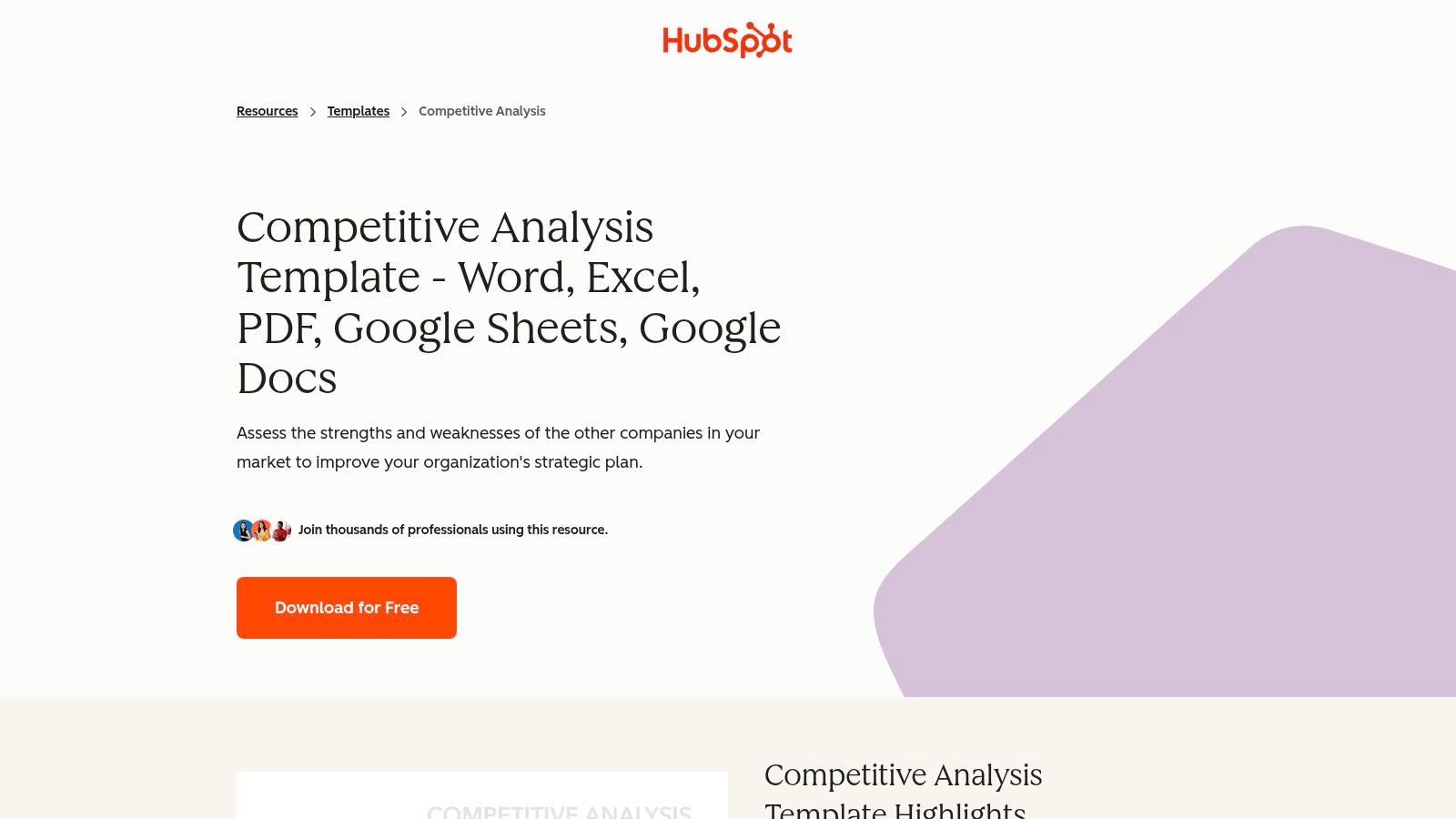
For a Prescott plumber, adapt the matrix to compare each rival's services, service-area pages, estimate or booking process, and proof of work. Add fields for Google Business Profile completeness, review themes, citations, and whether the business makes its coverage clear. These details help distinguish a nearby competitor who competes for the same customers from a company that serves a different territory.
Where it helps, and where it stops
HubSpot's main strength is accessibility. You can download the file and shape it around your market without being locked into a platform. The trade-off is that updates are manual, and the template is less collaborative and visual than a whiteboard. Downloading it also requires an email.
Use one row per competitor and give every observation a source and collection date. A review count or visible service page is an observation. “They're trusted more” is an interpretation unless you support it with evidence. For a practical local comparison, see Silva Marketing's Prescott guide to competitor analysis. HubSpot is a sensible fit for a small team testing its first repeatable process, but it won't manage ongoing monitoring for you.
2. Smartsheet Free Competitive Analysis Templates
Smartsheet's free competitive analysis templates suit teams that want a spreadsheet but need clearer sharing and workflow controls. The collection includes competitor-analysis and price-comparison sheets, with options to use templates in Smartsheet or as downloadable files. Project-style controls, reminders, basic dashboards, exports, and integrations with Google and Microsoft tools can help keep a shared review organized.
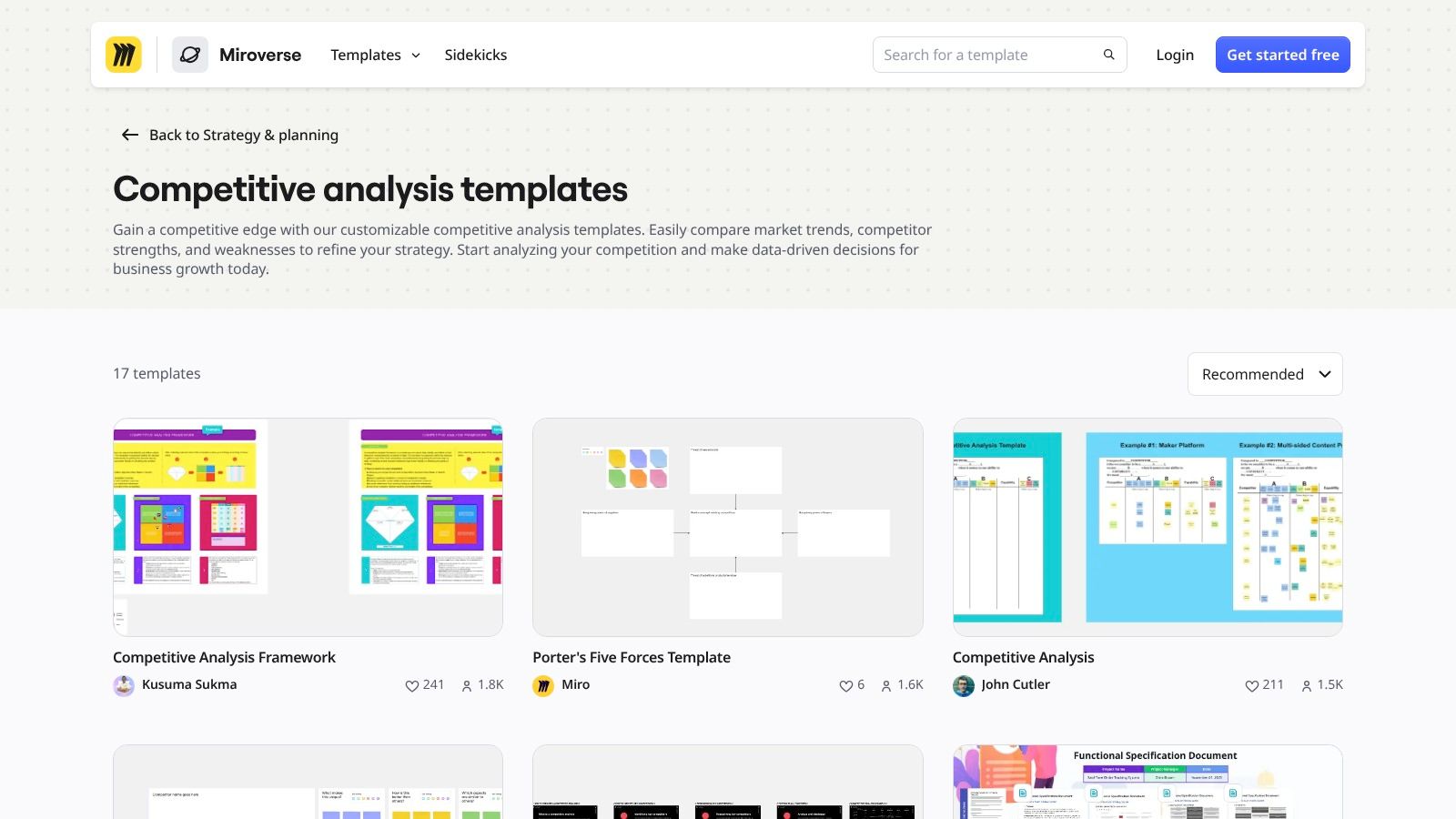
A local service team can add columns for competitor name, service category, Prescott-area coverage, service-page URL, quote model, review themes, and citation presence. Include the date each field was checked. For pricing, note whether the competitor publishes a price, asks customers to request a quote, or explains what affects the estimate. That's more useful than trying to infer a price from incomplete information.
Best for shared spreadsheet reviews
Smartsheet gives a small team more structure than a single file passed between staff. Assign an owner to refresh each competitor record, then use reminders to prompt review. That can make the analysis easier to maintain when a business has several locations or service lines.
The limit is its grid-first design. It's not the strongest choice for a visual teardown of a competitor's mobile site, booking flow, or service-page layout. The best experience also depends on a Smartsheet subscription. If your immediate need is to plan local content based on competitor gaps, Silva Marketing's content strategy template can help connect observations to the pages and topics your own site needs. Smartsheet works when coordination is the problem. It may be too much if one person is comparing a few nearby businesses.
3. Notion Competitor Analysis Templates
For teams that prefer notes and linked research over rows of spreadsheet cells, Notion's competitor analysis templates offer a flexible workspace. Notion has official and community templates for competitor profiles, feature sets, pricing, launches, and research notes. Databases, tags, relations, and filtered views let a team organize competitor records while keeping supporting links and files close at hand.
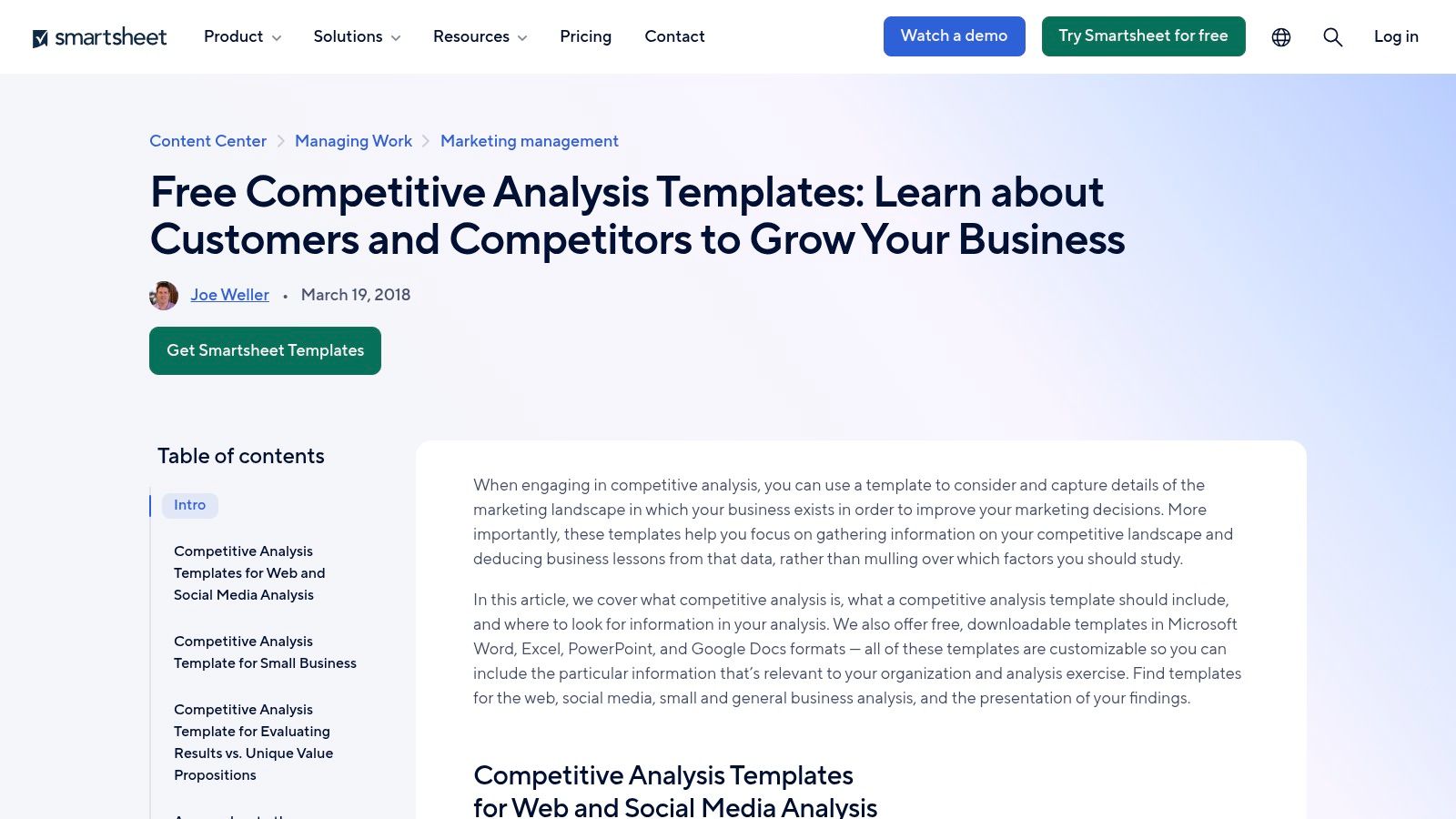
A Prescott-area business could create a page for each direct competitor and tag it by service, location, and competitor type. Add links to the company's Google Business Profile, service pages, review listings, and directory citations. Record what you observed, when you checked it, and how confident you are in the finding. That makes future updates easier than searching through old browser tabs.
A flexible research hub, not a reporting tool
Notion is quick to customize and can work well for continuous updates. Teams can duplicate and share templates, and filtered views help staff focus on the competitors or service areas relevant to their role. The low barrier to entry makes it approachable for small teams that already use Notion for planning.
There are limits. Notion doesn't provide native charting or business-intelligence features, so heavier comparisons may need to be exported. Community templates also vary in quality and structure. Choose a clear starting layout and keep the fields consistent across profiles, or the database can become a collection of uneven notes rather than a benchmark. For a local owner who mainly needs to organize observations and source links, that's often enough. For a team that needs scored comparisons and trend reporting, another tool may fit better.
4. Airtable Competitive Analysis Template
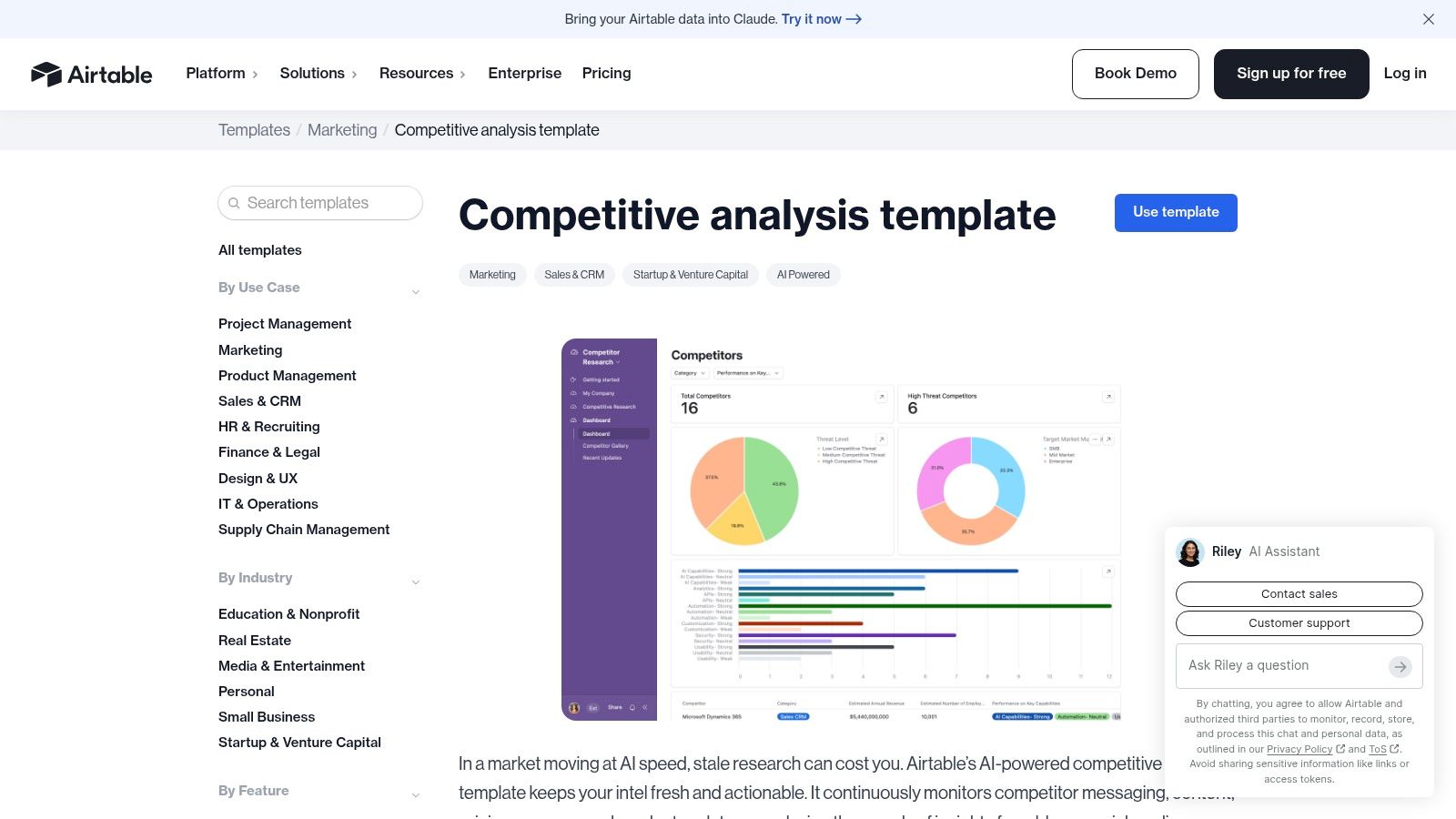
Airtable's competitor research template sits between a spreadsheet and a purpose-built application. Its competitor-analysis base has customizable fields and views, with automations for ongoing tracking. Airtable can also connect competitor records with content, client, and CRM workflows, which can help an agency or multi-location business use the same research in more than one place.
For local SEO, build fields for competitor type, service area, business category, service-page links, review signals, local citations, and the date of the latest check. Create separate views for plumbers, dental offices, or gardening professionals rather than asking every user to sift through an entire research base. If your team tracks multiple towns, connect each competitor to the areas it serves and record where its service information is visible.
The middle ground has a setup cost
Airtable can support structured, repeatable monitoring across clients or locations. Optional AI features may help summarize differentiators, compare capabilities, or enrich records, but those features require paid tiers. The template itself is free, but setup still takes attention.
Airtable works best when the research will be refreshed and reused. If you only need a one-time comparison of nearby businesses, the base may feel like a project of its own. Keep your fields focused on decisions: which competitor's service pages answer customer questions well, whose service area is clearest, and what trust signals appear consistently? An elaborate base doesn't make weak evidence stronger. A simpler sheet with dated observations can be more useful than a complex workflow that no one maintains.
5. Miro Competitive Analysis Template
Miro's competitive analysis template is a collaborative whiteboard for teams that think visually. You can compare competitors, map strengths and weaknesses, and bring screenshots, comments, sticky notes, and other research into one board. Miro also offers variants such as Competitor Product Research and supports AI-assisted workflows.
Use the board to walk through a competitor's customer journey: search result, landing page, service details, trust proof, and contact action. For a Prescott dental practice, that might mean comparing how nearby practices explain services, display patient feedback, and help visitors request an appointment. For a landscaper, focus on service-area clarity, project photos, and the steps a visitor must take to request an estimate.
Practical rule: Put the evidence next to the conclusion. A screenshot of a service page is easier to validate later than a sticky note saying “weak local SEO.”
Strong for workshops, weaker for ongoing records
Miro works well for facilitation and stakeholder alignment. The Free plan includes the template, and a board can hold a quick teardown or a richer visual research collection. It's especially useful when a business owner, marketing lead, and sales staff need to discuss what competitors communicate and how customers move through their sites.
The trade-off is maintenance. Miro isn't a database, so teams must keep research consistent themselves. Advanced features require paid plans, and new users may need time to get comfortable with the canvas. Store a link to the board or relevant evidence in a separate tracking sheet if you need reliable dates, owners, and status updates. Choose Miro to explain what you found together, not as the only record of every competitor signal.
6. FigJam Competitor Analysis Template
FigJam's competitor analysis template gives teams a guided whiteboard for comparing pricing, positioning, customer journeys, and user experience flows. It supports real-time collaboration and works naturally alongside Figma prototypes and design artifacts. That makes it a good fit for teams already using Figma to plan or review websites.
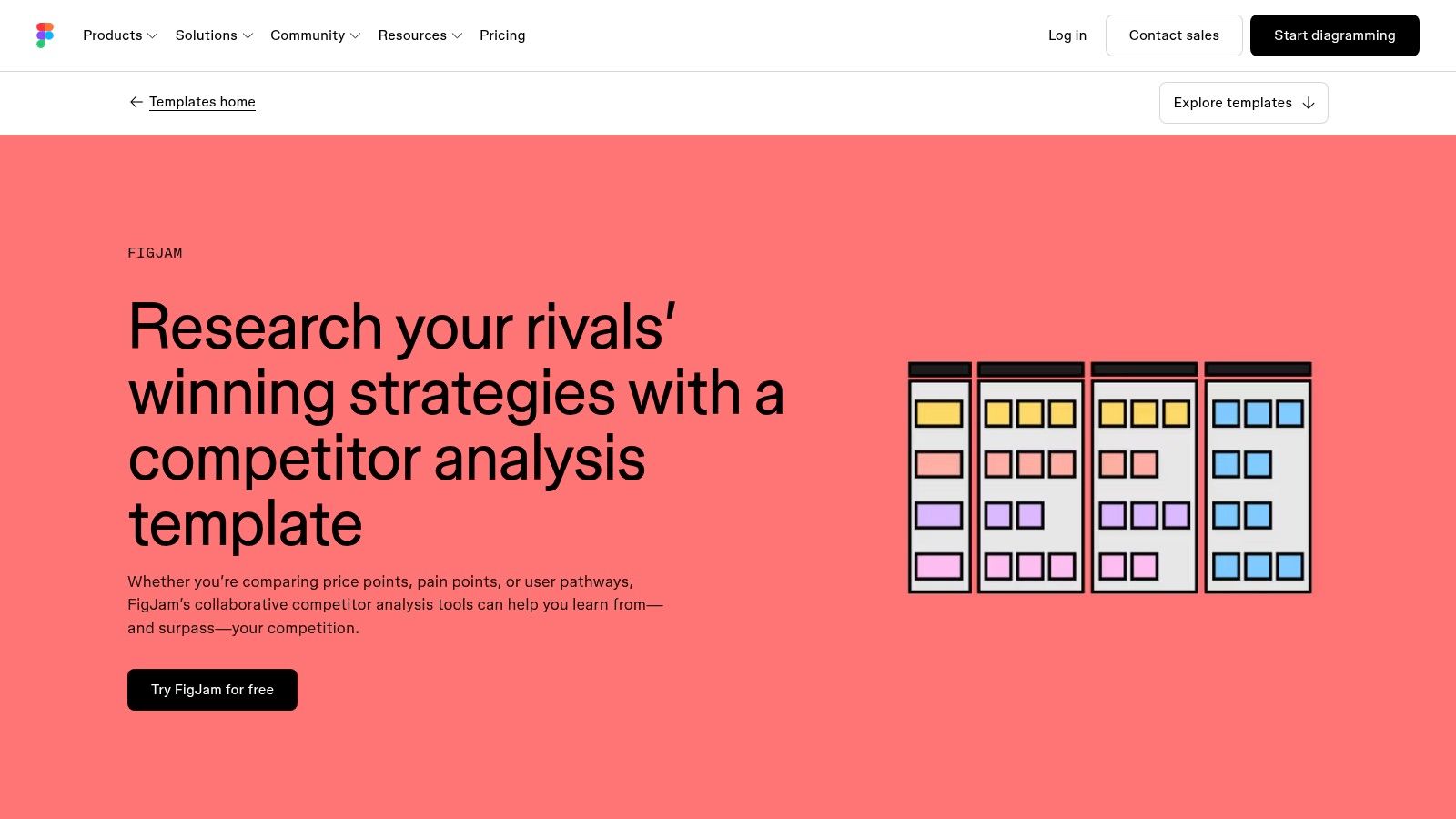
A local business can use FigJam to annotate competitor screenshots and compare how clearly each site presents its services, locations, proof, and next step. If you're evaluating a contractor's mobile service page, mark the service area, phone action, estimate form, and customer evidence directly on the screenshot. That keeps the discussion grounded in what a potential customer sees.
Good for a website teardown, not a tracking database
FigJam is particularly useful for design discussions and UX reviews. Teams can talk through the customer journey together, add comments, and connect the findings to design work in Figma. Its library of strategic planning templates can also support adjacent discussions about positioning and planning.
It's less suited to a structured record of review counts, citation checks, or service-area changes over time. The template is free, but the best experience depends on the team's Figma or FigJam plan. Keep the board focused on what it does well: visual comparison and collaboration. If the team needs to track recurring local-search signals, pair the board with a simple database or spreadsheet that stores the source, check date, and confidence level for each observation.
7. ClickUp Competitive Analysis Template
If your team already runs its work in ClickUp, its Competitive Analysis Template can connect research to tasks, documents, roadmaps, and dashboards. The template supports competitor profiles and feature or pricing comparisons. Related market-analysis and pricing-analysis templates, along with versioning and workspace comments, can help teams keep planning and execution together.
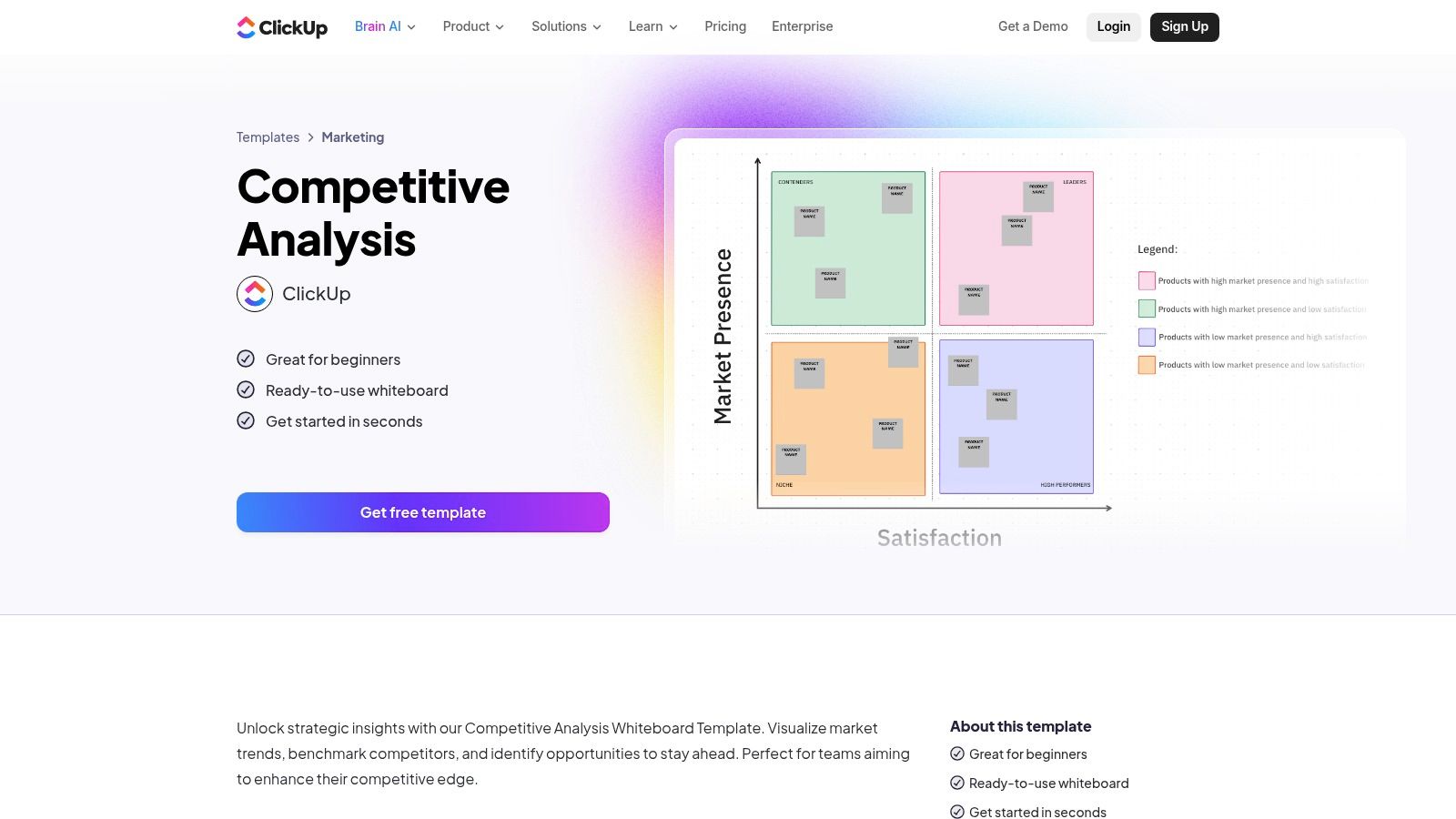
For a Prescott-area service business, turn each useful finding into a task with an owner. If a competitor explains emergency service clearly and your site doesn't, the task might be to review your own service page and decide whether it needs a clearer explanation. If a competitor appears across local directories that don't list your business, create a citation-check task. The research then has a path into action instead of staying in a document.
Best when work already lives in ClickUp
ClickUp's advantage is the connection between analysis and delivery. Teams can link notes to projects and dashboards, collaborate in one workspace, and use the template on the Free plan. That can be practical for a marketing team that already plans website updates or SEO work in ClickUp.
The fit is weaker for teams that don't use ClickUp. Its whiteboard features are lighter than dedicated design tools for heavily visual work, and advanced features require paid tiers. Keep competitor records concise and make tasks specific. “Improve local SEO” is too vague to guide execution. “Check whether our service page names the communities we serve and explains how to request an estimate” gives a team a concrete review to complete.
8. monday.com AI Competitive Intel Research Agent
monday.com's AI Competitive Intel Research Agent is different from a static one-page template. It's an AI-enabled agent connected to a monday.com board, designed to help teams centralize competitor lists, notes, and updates. Depending on setup, it can deliver summaries on a schedule or in response to triggers and connect with other monday.com work apps.
A local team could use the board to organize changes in competitor service pages, offers, or content. Add fields for the page or profile checked, the date, and the observation. Then review summaries against the underlying evidence before acting. AI-generated summaries can help organize information, but a person should confirm that a reported change is real and relevant to a Prescott customer.
Automation can flag a change. It can't decide whether that change matters to your service area or your customers.
This option suits teams already managing campaigns or projects in monday.com and looking to make monitoring part of their routine. It can help turn updates into alerts and tasks, but it isn't a traditional one-page analysis template. Setup is required, and AI features depend on an appropriate plan and permissions. Small teams may find a spreadsheet simpler until they have a clear monitoring process. If you're evaluating the topics competitors cover, Silva Marketing's content gap analysis explains a related way to identify opportunities. For broader context on resources about standing out with AI, treat AI visibility as a research area to track, not a substitute for validating local evidence.
9. Canva Competitor Analysis in Canva Docs
Canva Docs' competitor analysis templates are useful when the end product needs to look polished. You can customize a document with brand visuals, tables, and design elements, then use it for a client report, pitch deck, or executive summary. Canva also offers related visual templates, including SWOTs and matrices, and supports collaboration through comments and sharing.
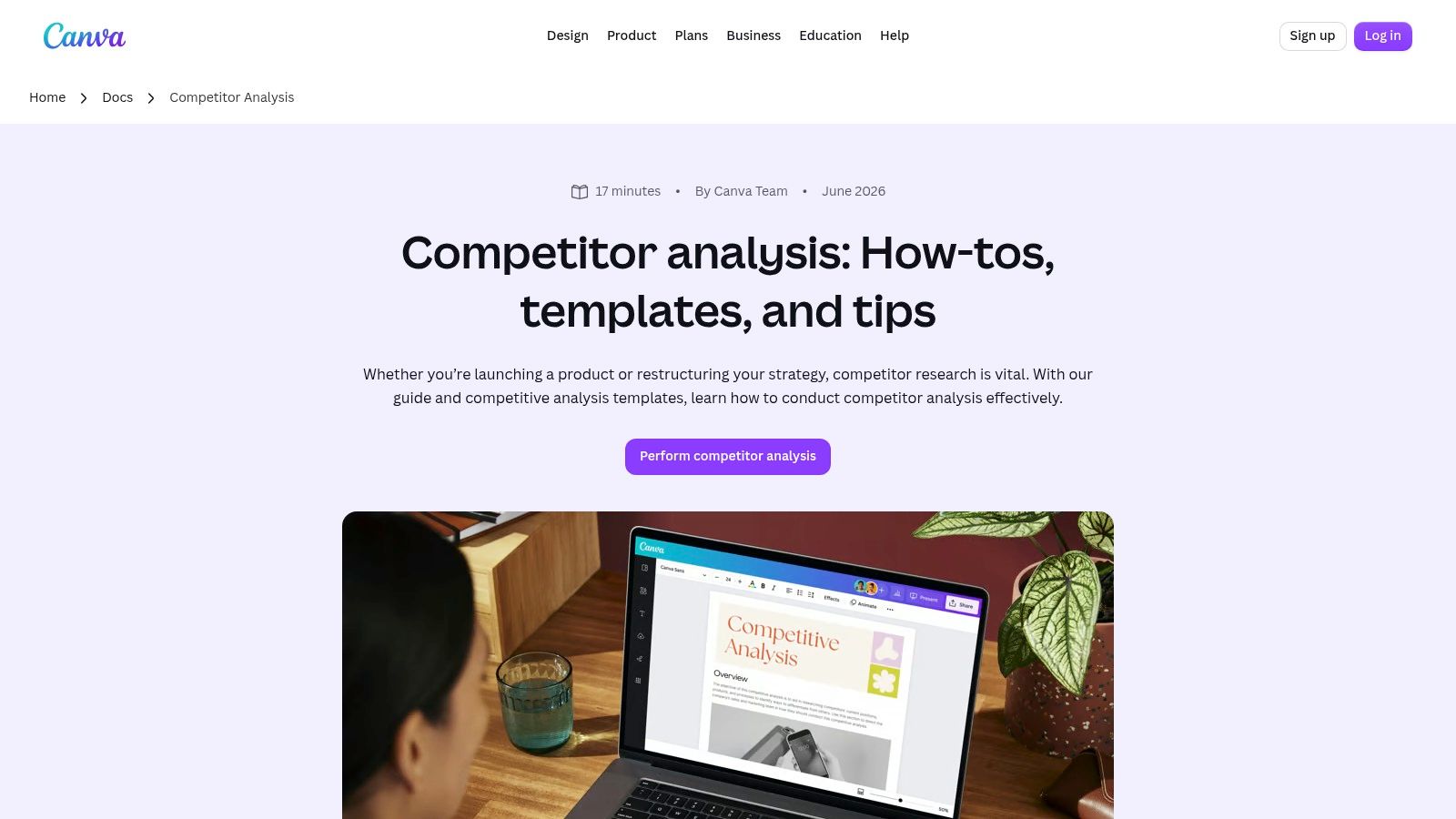
For a Prescott service business, present a concise comparison of nearby competitors' service areas, review themes, service pages, local citations, and customer contact options. A clear visual report can help an owner see why a competitor looks more established in search and what questions need further investigation. It can also give a team a shareable record of recommendations.
Presentation layer, not research engine
Canva makes it easy to create a branded, client-ready deliverable, and many templates are available on the Free tier. But the platform is more presentation-focused than analysis-focused. It offers limited data and automation features, and research details need to be maintained manually.
The practical approach is to keep raw observations in a spreadsheet or database, then use Canva to summarize the findings. That way, a polished report doesn't become the only place where the research exists. Don't use design to disguise uncertainty: label estimates and interpretations clearly, and include the date and source for important observations. For a team that needs to explain findings to decision-makers, Canva can be a strong final step. For ongoing competitor tracking, it's too light on its own. A digital marketing strategy overview can also help connect market observations to wider marketing priorities.
10. SlidesCarnival Product Competitive Analysis Slides
SlidesCarnival's Product Competitive Analysis Slides are built to present findings in a concise, executive-friendly format. The deck includes layouts for competitor profiles, matrices, and key takeaways. You can adapt it in Google Slides, PowerPoint, or Canva and use the layouts for different clients or industries.
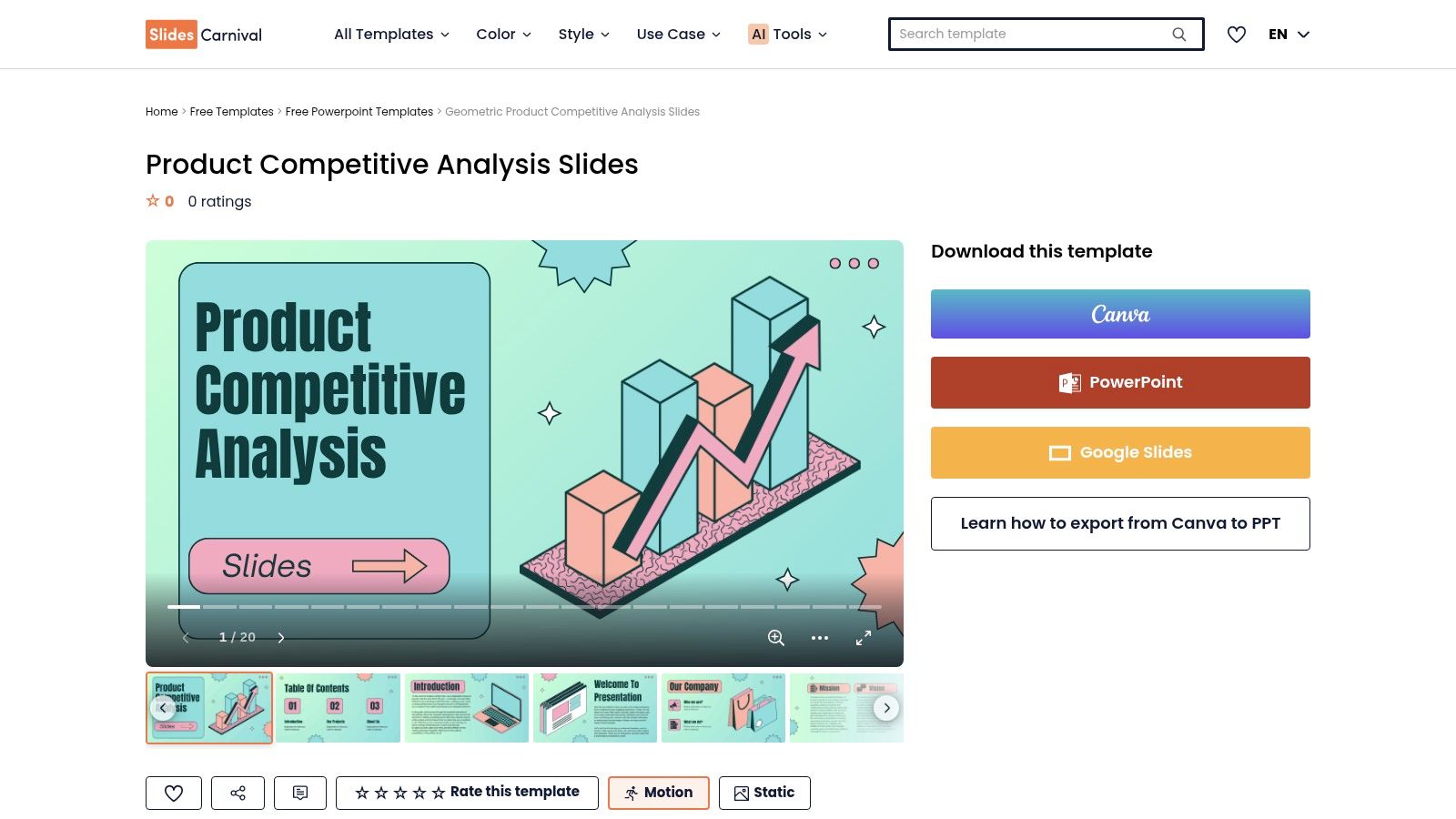
For a local service business, use the slides to summarize what nearby rivals offer, which areas they serve, what customers praise or complain about, and where their web pages make it easy to call or request an estimate. Keep the underlying source notes in a separate file. That gives the presentation enough context without cramming every observation onto a slide.
SlidesCarnival is free to download and useful as a presentation companion to a spreadsheet or database. It's easy to repurpose, but it's presentation-first and doesn't store raw research. The supplied layout also limits how much you can change the analysis structure. Use it when the team already has findings and needs to communicate them. Don't start here if you haven't decided which competitors to examine or how to distinguish observed facts from assumptions.
Top 10 Competitor Analysis Templates Compared
Template / Tool | Core Features | Best For | User Experience | Price / Value |
|---|---|---|---|---|
HubSpot Competitive Analysis Template | Feature, pricing, and positioning matrix; Excel, Google, Word, and PDF formats | 👥 Teams wanting a flexible, standalone template | ★ Simple and familiar; updates are manual | 💰 Free download; email required |
Smartsheet Free Competitive Analysis Templates | Competitor and pricing sheets; sharing, permissions, reminders, and dashboards | 👥 Teams needing structured research with light workflow controls | ★ Spreadsheet-style and organized | 💰 Many templates are free; subscription improves functionality |
Notion Competitor Analysis Templates | Databases, tags, filtered views, and linked research notes | 👥 Small teams maintaining ongoing competitor research | ★ Flexible and easy to customize; template quality varies | 💰 Templates available to duplicate; low barrier to entry |
Airtable Competitive Analysis Template | Custom fields and views, automations, and optional AI tools | 👥 Teams tracking competitors across clients or workflows | ★ Flexible database-spreadsheet blend; setup can take time | 💰 Free template; AI features require paid tiers |
Miro Competitive Analysis Template | Collaborative whiteboard with screenshots, notes, and research artifacts | 👥 Teams running workshops and visual competitor reviews | ★ Collaborative and visual; some learning curve | 💰 Template available on Free plan; advanced features are paid |
FigJam Competitor Analysis Template | Guided sections for pricing, positioning, journeys, and UX flows | 👥 Design and product teams using Figma | ★ Strong for collaborative UX teardowns | 💰 Free template; experience depends on plan |
ClickUp Competitive Analysis Template | Competitor comparisons linked to tasks, documents, and dashboards | 👥 Teams already managing projects in ClickUp | ★ Keeps research connected to execution | 💰 Template available on Free plan; advanced features are paid |
monday.com AI Competitive Intel Research Agent | Competitor tracking, automations, and scheduled or triggered summaries | 👥 Teams wanting ongoing, AI-assisted monitoring | ★ Supports alerts and operational workflows; requires setup | 💰 Requires an eligible monday.com plan |
Canva Competitor Analysis in Canva Docs | Editable reports with branding, tables, charts, and collaboration | 👥 Teams creating client-ready reports and presentations | ★ Polished visuals; limited data and automation tools | 💰 Many templates are available on the Free tier |
SlidesCarnival Product Competitive Analysis Slides | Presentation layouts for competitor profiles, matrices, and findings | 👥 Teams presenting concise executive summaries | ★ Easy to adapt and share; not for storing raw research | 💰 Free; best as a companion to a research tool |
Pick One Template, Run One Review, Then Expand
A competitor analysis template only helps if your team can keep it current and use its findings to make decisions. Competitive analysis has roots in a formal management discipline. Michael Porter's 1980 book, Competitive Strategy: Techniques for Analyzing Industries and Competitors, established a structured approach to examining industry forces and individual competitors, including a competitor analysis system connecting external information to corporate strategy. The Society of Competitor Intelligence Professionals was founded in 1986, another sign that competitor monitoring had become a recognized professional function. The useful lesson for a local owner is simple: organize observations into a process that informs action, rather than collecting screenshots without a decision in mind. This background on the development of competitor intelligence offers further context.
Start with the tools your team already uses. Pick a spreadsheet for a basic comparison, a database for ongoing monitoring, or a whiteboard for a collaborative website review. Then complete one review of three nearby competitors. Label each business as direct, indirect, or aspirational, and compare the same fields across all of them. A market research and competitor analysis framework from the U.S. Small Business Administration supports examining competitors by service and market segment, while also considering strengths, weaknesses, barriers to entry, indirect alternatives, and location.
For a local business, useful fields include service categories, geographic coverage, customer focus, offers, service-page quality, review themes, local citations, and the path to a call or booking. Add the collection date and source for each important observation. Keep evidence and interpretation separate. A competitor's visible service-area page is evidence; a conclusion about why it ranks is a hypothesis to test.
Local visibility deserves particular attention. Google says local results are primarily determined by relevance, distance, and prominence. Relevance includes how well a Business Profile matches a search, distance reflects how far the business is from the searcher or location named in a query, and prominence can draw on information across the web, including links, directories, and reviews. Use those factors to compare profile completeness, service-area clarity, review signals, and wider web presence instead of assuming the closest business will always appear first. Google's guidance on local ranking explains why those comparisons matter.
Treat competitor reviews carefully. The FTC's final rule on consumer reviews and testimonials was announced on August 14, 2024, and became effective on October 21, 2024. It addresses fake reviews, purchased positive or negative reviews, certain undisclosed insider testimonials, and other deceptive practices. Record review volume and recency, but look for credible customer experience and owner responses rather than treating a high rating as proof of quality. The FTC rule in the Federal Register sets out the relevant requirements.
Finally, use your findings to choose what to defend, improve, test, or leave alone. A competitor's page may offer a useful model, but copying it won't explain what Prescott customers need or what your own team can deliver. For a broader view of what to measure, read this guide to competitor analysis metrics for NZ apps, then adapt the questions to local service-area businesses.
If you'd like help adapting a framework to the communities you serve, Silva Marketing offers free consultations to talk through the options. Bring your current template, a service area, or a question about local competitors, and discuss what would make the review useful for your business.
Silva Marketing helps Prescott and Northern Arizona service businesses improve websites, SEO, Google Ads, and competitor analysis to support stronger local visibility and more qualified calls. To talk through a practical framework for your service area, visit Silva Marketing.
Comments